
Result
84 %
The calculated grade is 84 %.
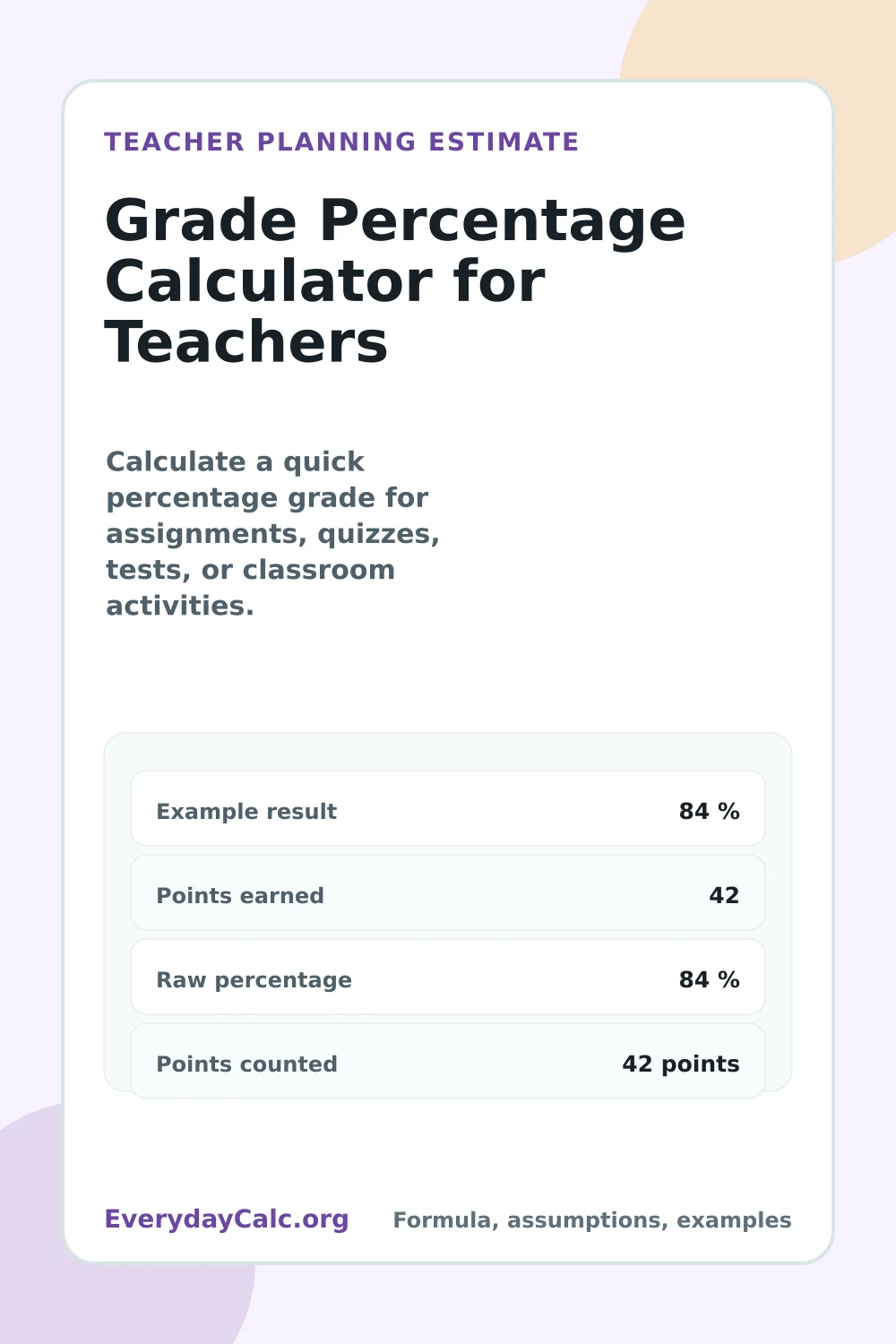
- Raw percentage
- 84 %
- Points counted
- 42 points
More
Quick answer
Quick answer
With the sample inputs, this calculator returns 84 %. Raw percentage: 84 %. Use 84 % as a grading check, then compare points earned, points possible, extra credit, category weights, rounding, gradebook settings, and grading policy before posting the score.
Publisher
Published by EverydayCalc Editorial
Our calculator pages are built to show the formula, explain the inputs, provide examples, and highlight assumptions so readers can understand how each result is estimated.
Results are estimates based on the inputs provided and the assumptions shown on this page. For financial, tax, legal, medical, or other high-stakes decisions, verify results with a qualified professional or official source.
How to use this calculator
The calculator adds earned points and extra credit, divides by points possible, multiplies by 100, and applies optional weight factor.
When to round up
Round according to your grading policy, gradebook settings, and school rules for extra credit.
When to use this calculator
- Checking assignment, quiz, test, or exit-ticket percentages
- Comparing extra credit and weighted category effects
- Double-checking gradebook entries before posting scores
Tips for better estimates
- Verify points earned and points possible before entering the score.
- Keep extra credit, category weights, and weighting factors consistent with the gradebook.
- Follow the school rounding and grading policy when the percentage is near a cutoff.
How this calculator is reviewed
This page is checked for inputs, formulas, examples, assumptions, topic fit, and related links. For this calculator, the review also covers points earned, points possible, extra credit, weighting factor, rounding policy, gradebook settings, and school grading rules.
The sample result is covered by automated tests, and the page links to supporting guides so readers can check the assumptions before acting. If a formula, label, or assumption looks off, send the page URL and your inputs through the contact page.
Formula and methodology
The calculator adds earned points and extra credit, divides by points possible, multiplies by 100, and applies optional weight factor.
Result details: This page uses the inputs above to show raw percentage and points counted in the result area.
Assumptions to check
The key inputs are Points earned, Points possible, Extra credit, Weight factor. Confirm gradebook weighting, extra credit rules, rounding settings, category weights, points possible, and district grading scale before entering final grades.
Worked example
Example inputs: Points earned: 42; Points possible: 50; Extra credit: 0; Weight factor: 1. With those values, the calculator returns 84 %. The calculated grade is 84 %.
Example scenarios
- An assignment score can be checked quickly before entering it into the gradebook.
- For a quiz or test, verify points possible before comparing class averages.
- An exit ticket with extra credit should be checked against the extra credit policy before posting.
- If the result affects a course grade, compare assignment weighting and the district grading scale before sharing it.
Quick reference chart
| Sample result | 84 % |
|---|---|
| Raw percentage | 84 % |
| Points counted | 42 points |
| Best next step | Use this as a quick grade check, then compare it with gradebook weighting, extra credit rules, points possible, rounding, and the district grading scale. |
FAQs
Grade Percentage Calculator for Teachers questions
Can I use this as my final gradebook grade?
No. Use it as a quick grade estimate, then compare with your gradebook setup, weighting rules, extra credit policy, points possible, rounding method, and district grading scale.
Should I round the grade?
Follow your gradebook and district grading policy. Rounding can change a student's final percentage, especially near letter-grade cutoffs.
What should I check before entering the grade?
Check points earned, points possible, weighting, extra credit, gradebook rounding rules, gradebook categories, and district grading scale.
Can this replace gradebook rules?
No. Use it for quick checking, then follow your official gradebook, school policy, and district grading rules.
Is the grade percentage calculator for teachers exact?
No. It is a grading estimate. Confirm points earned, points possible, extra credit, weighting, rounding, gradebook categories, and district grading policy before entering final grades.
What inputs matter most?
Points earned, points possible, extra credit, and weighting factor determine the percentage.
Saved tools
Saved calculators
- No saved calculators yet.
Recent tools
Recent calculators
- Recent calculators will appear here.
Common planning mistakes
Using the wrong points possible, forgetting extra credit rules, ignoring weighted categories, rounding differently than the gradebook, and mixing assignment percentages with course-grade calculations.
Cite or embed this calculator
If this calculator helps a blog post, classroom resource, forum answer, seasonal guide, or local planning page, link to the canonical calculator URL so readers can run their own numbers and check the assumptions.
EverydayCalc.org, "Grade Percentage Calculator for Teachers", last updated July 9, 2026, https://everydaycalc.org/calculators/grade-percentage-calculator-for-teachers/Embed this calculator
Want the interactive version on your own page? Copy the iframe below or use the embed guide for this calculator. Keep the visible credit text natural: Calculator by EverydayCalc.org.
<iframe src="https://everydaycalc.org/embed/grade-percentage-calculator-for-teachers/" title="Grade Percentage Calculator for Teachers widget by EverydayCalc.org" width="100%" height="600" loading="lazy" style="border:0;max-width:100%;"></iframe>Was this calculator helpful?
Suggest an improvementNotice an issue with this calculator? Contact us here.