
3D Printing chart
3D Print Scale and Material Chart
Use this 3D-print scaling chart to compare linear scale with the cube-law material and print-time multiplier before resizing a model. Use the chart as a quick planning reference, then use 3D Print Scale Calculator when you need exact numbers for your own inputs.
At a glance
- Coverage
- 8 reference rows
- Default schedule
- See assumptions below
- Data effective
- Not stated
- Published
- Not stated
- Updated
- Not stated
- Author
- EverydayCalc.org
- Reviewer
- EverydayCalc editorial review
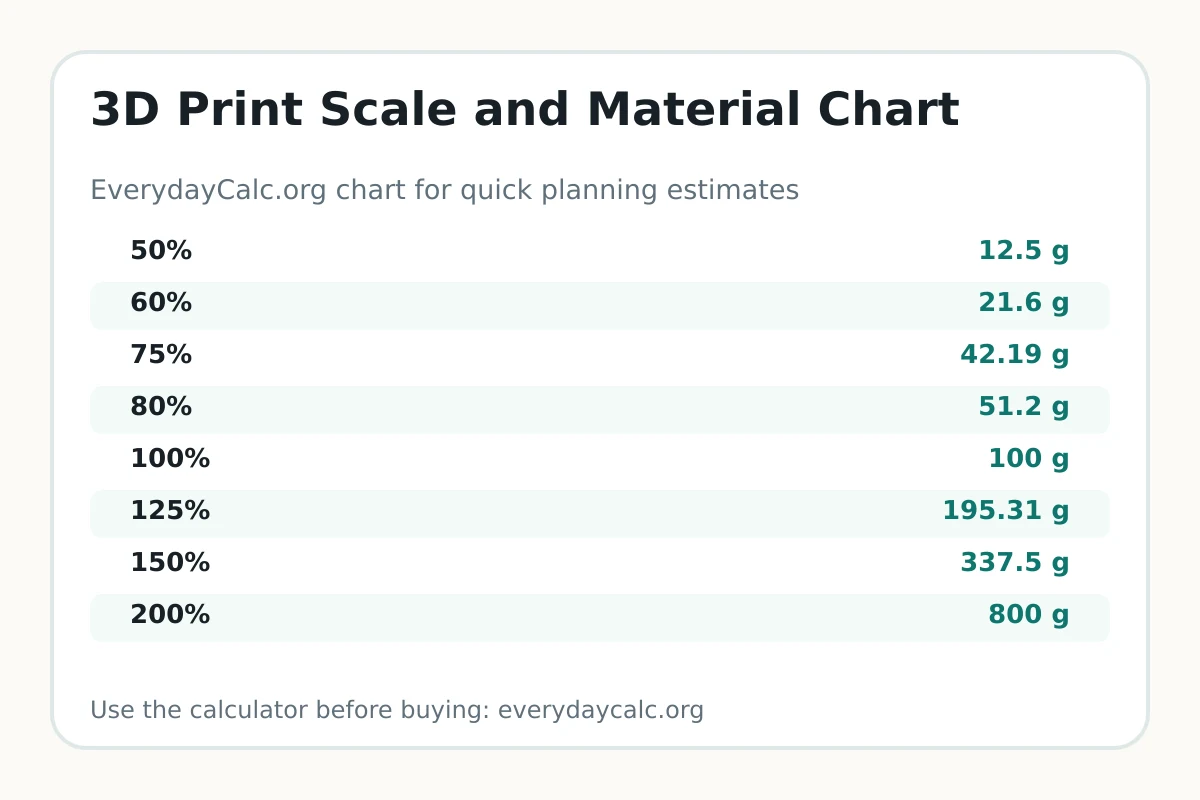
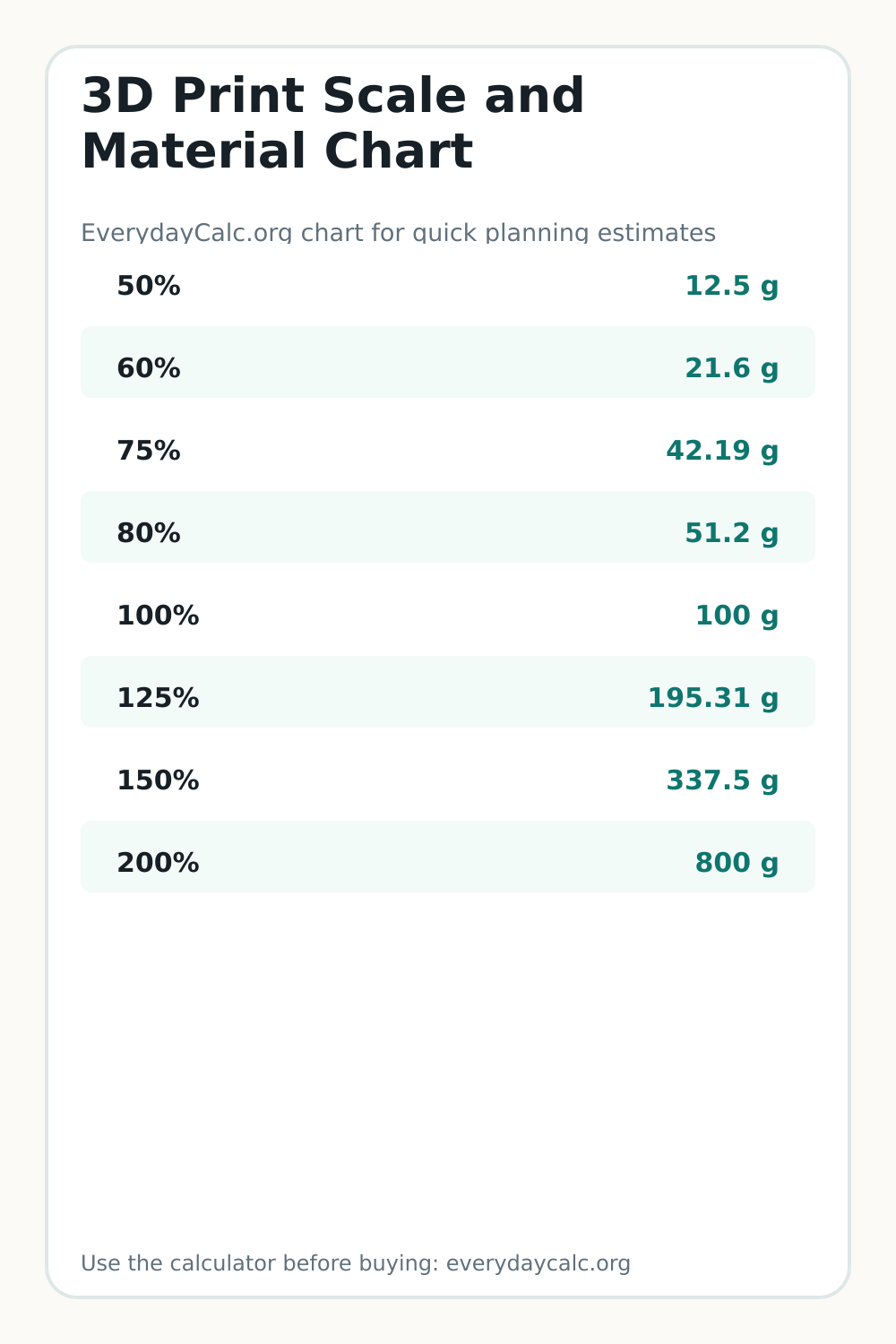
Chart values
| Linear scale | Volume/material multiplier | 100 g model estimate |
|---|---|---|
| 50% | 0.125× | 12.5 g |
| 60% | 0.216× | 21.6 g |
| 75% | 0.422× | 42.19 g |
| 80% | 0.512× | 51.2 g |
| 100% | 1.000× | 100 g |
| 125% | 1.953× | 195.31 g |
| 150% | 3.375× | 337.5 g |
| 200% | 8.000× | 800 g |
Calculated from the existing 3D print scale calculator formula. Use the final slicer material and time estimates for purchasing or quoting.
How to use this chart
Choose the new linear scale, then multiply the baseline material estimate by the volume multiplier. Re-slice the model before quoting because walls, infill, supports, layer count, and minimum feature sizes can change the result.
When to use the calculator instead
Use the calculator when your measurements, rates, room conditions, local prices, tank setup, loan terms, or classroom routine do not match the simple chart rows. The calculator lets you adjust the inputs instead of forcing your situation into a rough example.
Examples from this chart
Worked example
Scaling a model from 100% to 150% increases the cube-law volume estimate to 3.375 times the original. A 100-gram baseline becomes about 337.5 grams before slicer-specific changes.
Limitations and assumptions
Rows use (scale percent ÷ 100)³, matching the 3D print scale calculator. Print time is treated as a planning multiplier; actual slicer output can differ because of shells, infill, supports, layer height, speed, and geometry.
Save or share this chart
You can print this page, save the tall image for planning, or link to the page from a blog post, classroom resource, forum answer, or project checklist so readers can open the calculator too.
Chart questions
Chart questions
Why does 200% scale use eight times the material?
Doubling length in all three dimensions multiplies volume by 2 × 2 × 2, which is eight.
Will print time always follow the same multiplier?
No. The cube law is a planning estimate. Re-slice because walls, infill, supports, layer height, speed limits, and model geometry affect actual time.